MobileYour device
iPhone and iPad
- Open this page in Safari.
- Tap Share at the bottom of the screen.
- Scroll and tap Add to Home Screen.
- Open it from your home screen and allow notifications.

Get told the moment an offer lands, confirm a handover with a code, and see where your money is. It installs from this page, with no app store.
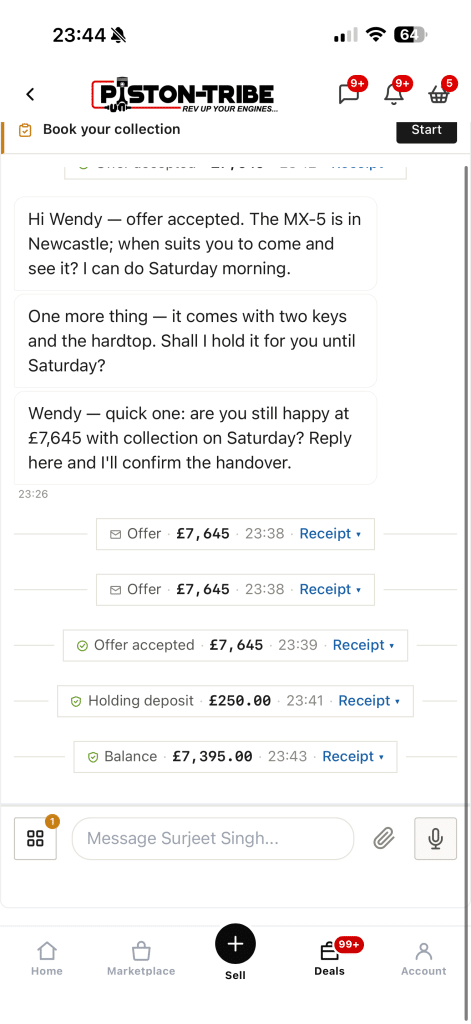
Everything here works today on the site. The app puts it one tap away and tells you when something needs you.
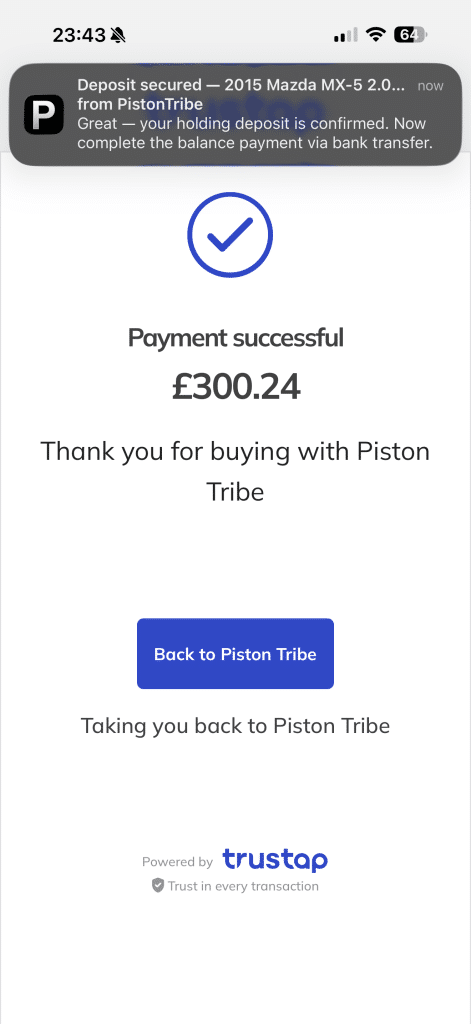
An offer arrives, a payment is held, an inspection window is about to close. You get a notification, so you don't have to keep checking.
On iPhone, notifications only work once the app is on your home screen.
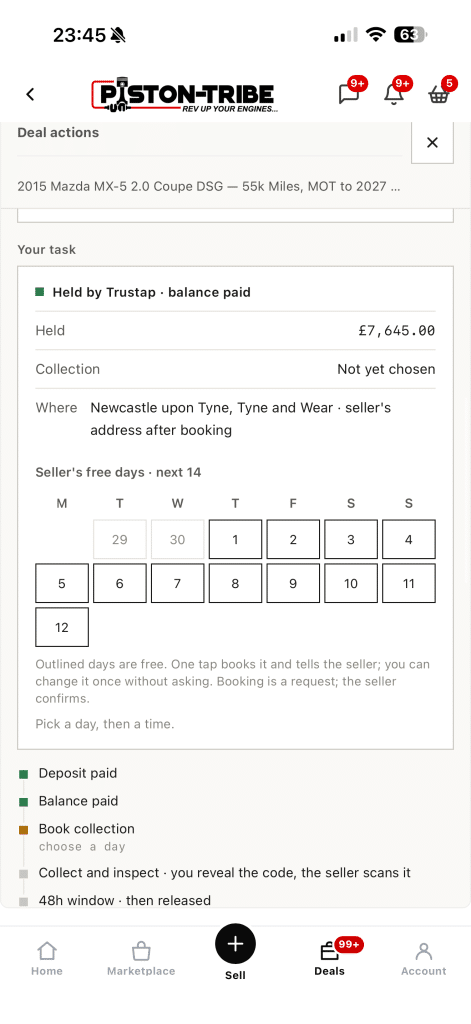
Open straight into your deals, already signed in. Make an offer, accept one, or book a viewing from wherever you are.
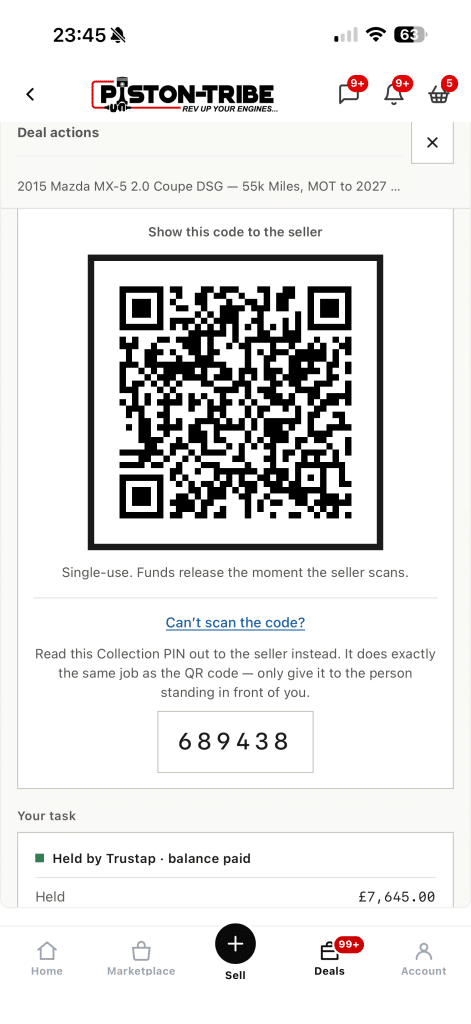
When you meet, the buyer shows a one-time code and the seller scans it or types the PIN. That confirms the handover and starts the inspection window.
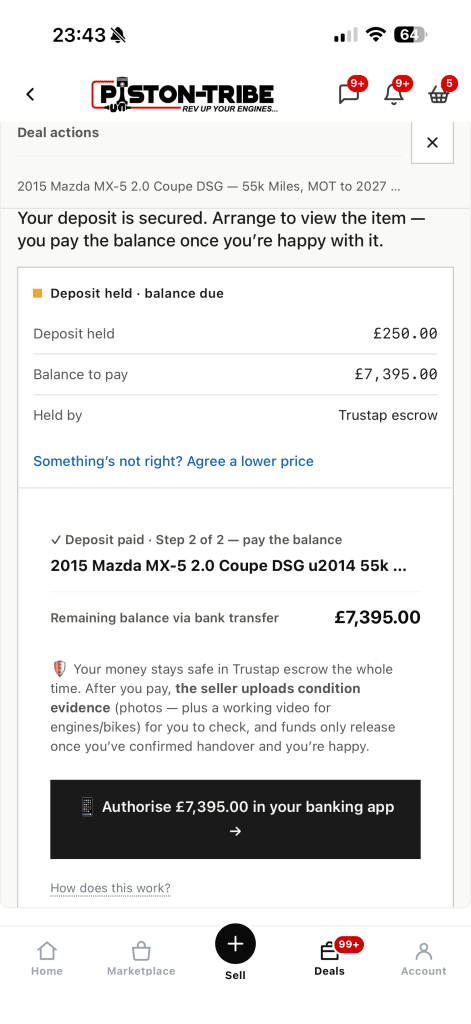
On bigger deals, the balance is paid by bank transfer. You approve it in your own banking app, with no sort code or account number to type.
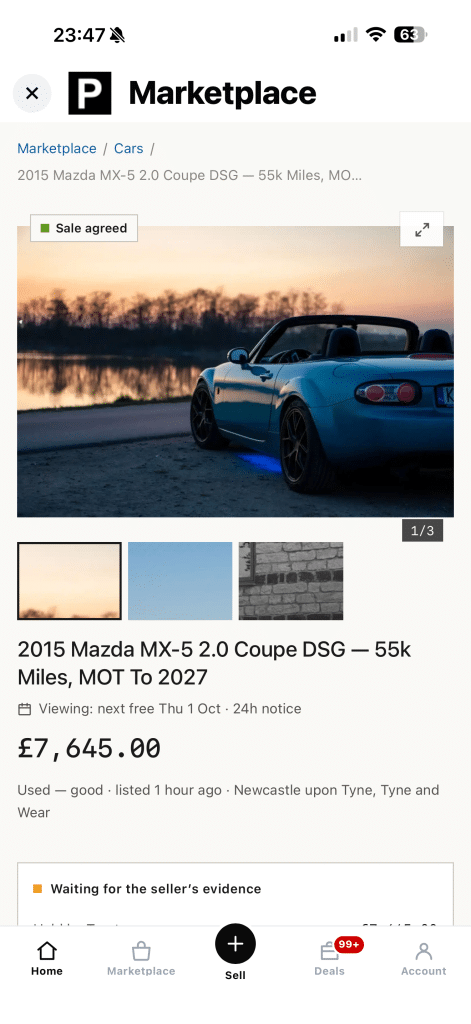
Pages load quickly on a driveway or an industrial estate. Anything about money is always fetched fresh, never from an old copy.
Pick your device. It takes under a minute, and you can remove it like any other app.
Listing a car is quicker with a keyboard and your photos to hand. The desktop app is the same account in its own window.
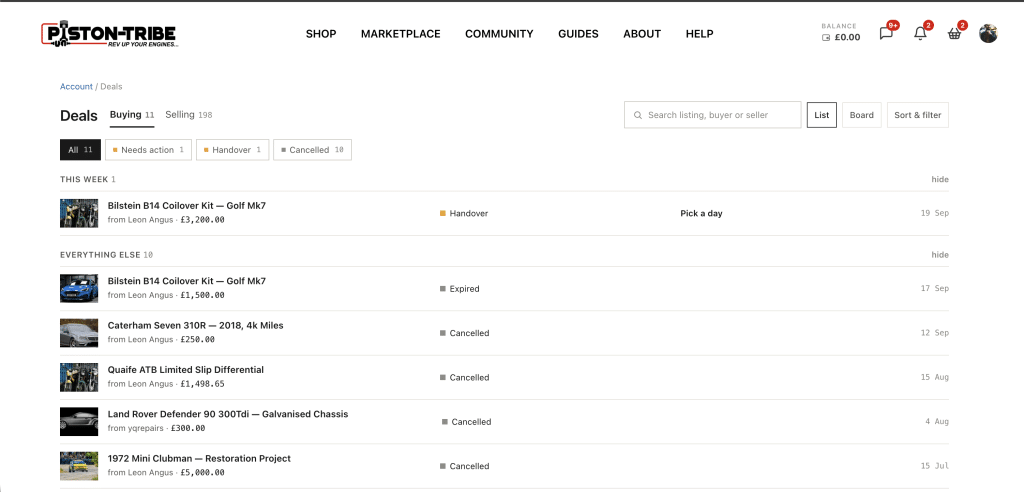
It's the Piston Tribe site installed as an app. It gets its own icon and window, sends notifications, and updates itself. There's nothing to download from an app store.
Very little, because it's the site itself rather than a separate download.
The same way as any other app: press and hold the icon, then remove it. Your account and deals aren't affected.